
Transaction Timers Now Visible on the History Page
10 months ago by Krish Advani
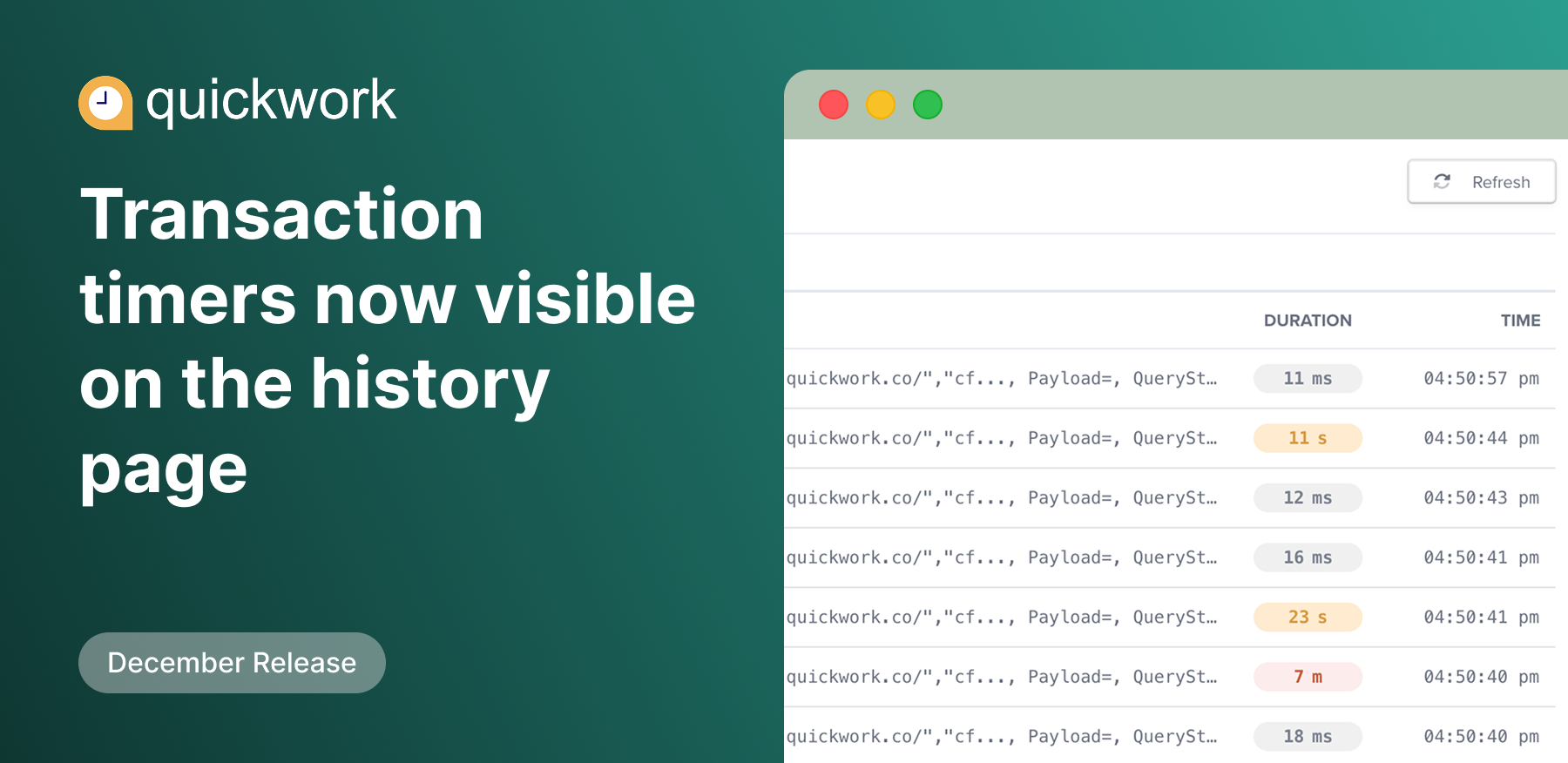
Quickwork now displays the total time taken by each transaction directly on the History page, making it easier to identify performance at a glance. Detailed, step-level timing continues to be available within each transaction’s History detail page.
Transaction durations are color-coded to help quickly spot latency patterns:
Gray: Under 10 seconds
Yellow: Between 10 seconds and 5 minutes
Dark Orange: Over 5 minutes
These indicators do not signify failures or errors; they are intended solely as a quick visual aid to identify potential latency.